>>
Technology>>
Software>>
5 Best Restaurant POS Systems ...5 Best Restaurant POS Systems for 2026
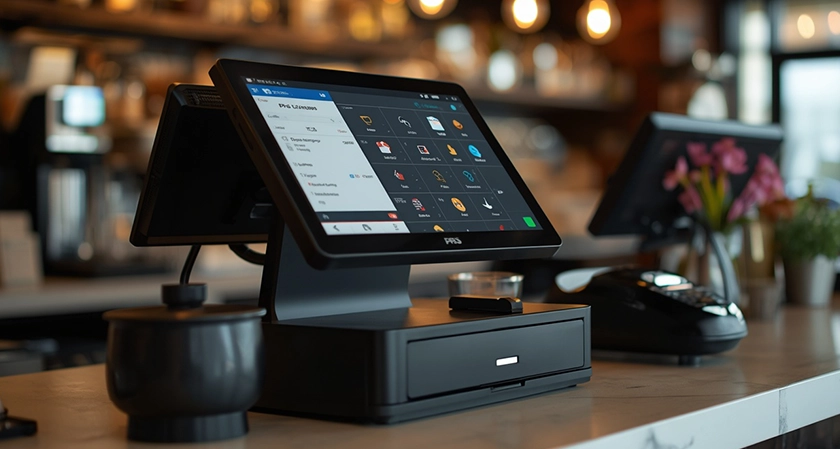
Restaurant POS systems now handle much more than payments. Restaurants rely on them to manage dine-in orders, delivery platforms, kitchen workflows, menus, customer loyalty, reporting, and sometimes even marketing.
That makes choosing the right system less about finding a payment terminal and more about finding technology that fits the way a restaurant actually operates.
For this guide, we reviewed restaurant POS platforms using publicly available product documentation, case studies, user feedback, software directories, and company information. The five platforms below stood out for different restaurant types and operating models.
Restaurant POS Systems at a Glance
- co - Best for small to medium-sized restaurants, cafes, and multi-location hospitality businesses
- Square - Best for food service and small-to-mid-size merchant payment processing
- Clover - Best for small to mid-size food service businesses and restaurants
- GoTab - Best for mid-sized and large restaurants, breweries, bars, and hospitality venues
- Loyverse - Best for small to mid-sized food service businesses
Quick Comparison
|
Company Name |
Established |
Headquartered In |
|
Orders.co |
2020 |
Los Angeles, CA |
|
Square |
2009 |
San Francisco, California |
|
Clover |
2010 |
Sunnyvale, California |
|
GoTab |
2015 |
Arlington, Virginia |
|
Loyverse |
2014 |
- |
1. Orders.co
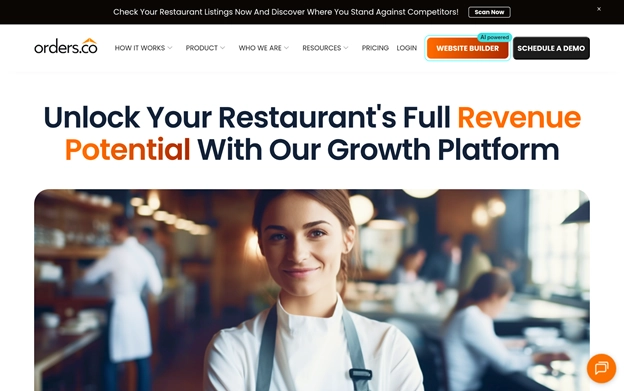
https://orders.co/ brings POS, online ordering, delivery apps, kitchen operations, loyalty, and marketing together in one system. Independent restaurants get simplicity, affordability, and fewer systems to manage. Multi-location groups get the same capabilities plus centralized control.
Why Orders.co Made the 2026 List
- Every order lands in one POS.
DoorDash, Uber Eats, Grubhub, ezCater, direct website, phone, and dine-in orders all flow into one centralized system, so staff can manage orders in one place regardless of the source. Third-party and direct website orders arrive automatically, and staff enter phone and traditional dine-in orders.
2. Menu updates don't have to be repeated channel by channel.
Restaurants manage menu items, prices, modifiers, availability, and sold-out items centrally and push updates across connected delivery platforms and direct ordering channels. Changes appear within seconds on the POS and direct ordering websites, and within seconds to several minutes on third-party platforms.
3. The POS reaches into the kitchen and dining room.
A KDS is paired with the POS, and the Orders.co support team pairs the screen with the POS during setup. KDS software is included with advanced plans. Dine-In Express adds table-side ordering.
4. Delivery and catering are built in.
Each location manages its own delivery strategy, set as In-House Delivery, AI Dispatch Automatic, or a specific third-party provider. Catering runs as its own ordering site (Standard) or its own POS business on the same hardware (Advanced), with AI Dispatch routing only to DSPs capable of handling catering.
5. Marketing keeps running in the background.
Restaurants get a commission-free branded ordering website with loyalty and coupons. Automated SMS and email campaigns reach inactive customers every 11 days, with AI deciding what each customer receives, and they run with minimal ongoing attention.
6. Chargebacks are handled from the dashboard.
Uber Eats and DoorDash chargebacks are consolidated into the dashboard. With Advanced, they're automatically disputed after 24 hours, then escalated by email and phone.
7. Reports follow the same structure everywhere.
X and Z reports, top-seller data, and Sales by Provider reports give the same reporting structure across locations. For accounting and tax purposes, restaurants should use the official reports from the applicable marketplace.
8. Setup is quick, and support never closes.
Onboarding typically takes 2–7 days. True 24/7 live support is available through phone, chat, and ticketing, with Level 1–3 escalation.
From Restaurant Owners
Owners and operators point to easier order management, useful automation, and a straightforward interface. Many value running POS transactions, online orders, delivery channels, menus, marketing, and loyalty without several separate systems. The automated SMS and email campaigns are especially useful for smaller teams.
2. Square
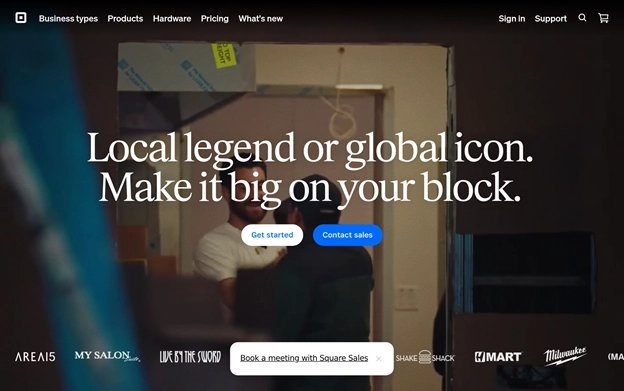
Square combines restaurant POS and payment processing with tools for areas such as inventory, e-commerce, bookings, payroll, and banking. Its broad business ecosystem makes it particularly relevant for smaller food service businesses that prefer managing several operational needs through one provider.
Why Square Made the 2026 List
- Payments are at the center of the platform.
Square built its business around making card processing easier for smaller merchants. That payment infrastructure now sits at the center of its broader restaurant POS offering. - Restaurants can manage more than transactions.
Inventory tracking, bookings, e-commerce, payroll, and banking can all operate within the Square ecosystem. For smaller operators, this can reduce the number of separate systems needed to manage the business. - Chargebacks don't come with an additional fee.
Square offers a $0 chargeback fee, which can matter for restaurants processing a large number of daily transactions and dealing with occasional payment disputes. - The platform operates at significant scale.
Square processes $241 billion in payments annually across 57 million users, giving the platform an established payment-processing footprint. - Setup is designed to stay straightforward.
The platform is particularly relevant for food service businesses that want POS and payment tools without adding substantial IT complexity.
From Restaurant Owners
User feedback frequently points to Square's straightforward setup and ease of use. Some operators report being able to begin processing orders within hours of getting started. Small and mid-sized food service businesses appear to value the ability to combine payments and other business tools without maintaining several unrelated systems.
3. Clover
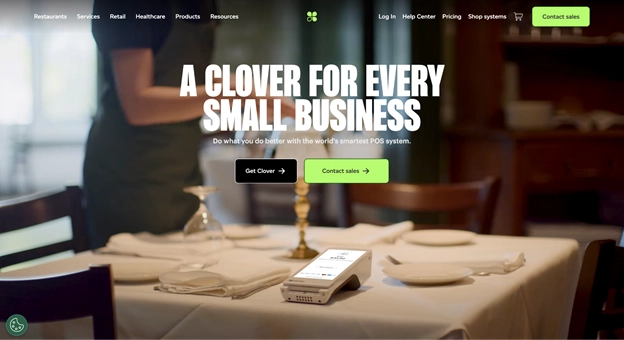
Clover combines restaurant POS software with Android-based hardware and an app marketplace that allows businesses to expand their setup over time. Dedicated Counter Service and Table Service plans also make the platform more specific to restaurant workflows than a standard general-purpose payment system.
Why Clover Made the 2026 List
- Restaurant plans are built around different service models.
Clover provides dedicated plans for Counter Service and Table Service restaurants, allowing businesses to choose a setup that more closely reflects how customers order and pay. - The hardware runs on Android.
Restaurants can use Android-based Clover devices rather than relying on a more closed hardware environment. This gives operators another option when comparing equipment costs and configurations. - Features can be expanded through the App Marketplace.
Restaurants can add tools from Clover's marketplace as their operational needs change instead of replacing the entire POS system. - The platform has large-scale payment infrastructure behind it.
Clover is backed by Fiserv and processes more than 2 billion transactions annually across hundreds of thousands of merchants. - The system can grow with the business.
The combination of restaurant-specific plans, hardware choices, and additional apps gives businesses room to adjust their setup as their requirements become more complex.
From Restaurant Owners
Operators often highlight Clover's flexibility, particularly the ability to add or remove functionality through its app marketplace. Feedback tends to come from businesses that want more customization than a basic entry-level POS while avoiding a move to a more complex enterprise system.
4. GoTab
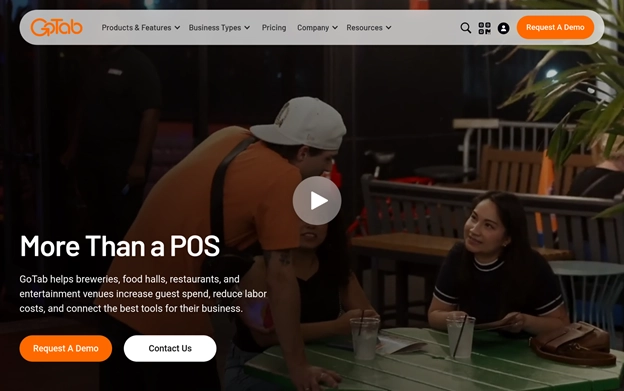
GoTab is designed around flexible ordering and payment workflows for restaurants, breweries, bars, and other hospitality venues. Its hardware-agnostic approach allows the platform to operate across internet-connected devices while supporting QR ordering, contactless payments, and kitchen management.
Why GoTab Made the 2026 List
- Restaurants aren't tied to one hardware setup.
GoTab can operate on internet-connected devices, reducing the need for venues to replace their entire hardware environment when adopting the platform. - QR ordering is built into the experience.
Guests can use QR codes to place orders and make payments without downloading a separate application. - Contactless payments support high-volume service.
The ordering and payment model is designed to reduce unnecessary steps between ordering and checkout, which can be particularly useful for busy hospitality venues. - Kitchen operations are part of the platform.
GoTab includes kitchen management capabilities alongside ordering and payments, allowing front-of-house and back-of-house workflows to remain connected. - The platform is used by larger hospitality businesses.
Clients include Stone Brewing Co., Barcelona Wine Bar, and Topgolf, reflecting GoTab's focus on higher-volume and multi-format hospitality operations. - Pricing follows transaction activity.
GoTab uses a transaction-based pricing model rather than relying only on a traditional flat monthly subscription structure.
From Restaurant Owners
Feedback from larger venues often focuses on the ability to use GoTab across different device types without completely rebuilding an existing setup. Kitchen management capabilities are also mentioned by operators dealing with high-volume periods where accurate order routing becomes particularly important.
5. Loyverse
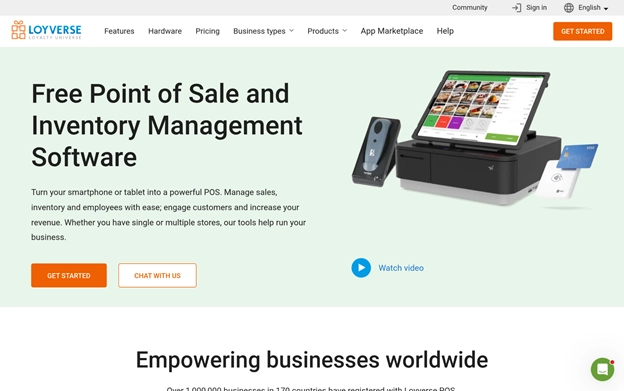
Loyverse takes a lower-cost approach to restaurant POS by allowing businesses to turn smartphones and tablets into point-of-sale devices. The base application is free, while additional capabilities such as advanced inventory and employee management can be added as needed.
Why Loyverse Made the 2026 List
- Existing phones and tablets can become POS devices.
Restaurants can run Loyverse on smartphones or tablets, which reduces the need to invest immediately in dedicated POS hardware. - The base POS application is free.
The core platform can be used without a monthly software fee, making it particularly relevant for newer restaurants, cafés, food trucks, and other businesses watching startup costs. - Advanced tools are available separately.
Businesses that need employee management or more advanced inventory functionality can add those tools as their operation grows. - Loyalty tools are included.
Loyverse includes a customer loyalty program with printed barcode capabilities rather than requiring restaurants to purchase a completely separate loyalty platform. - Offline functionality keeps transactions moving.
The POS can continue operating when an internet connection drops, which can be important for food trucks, cafés, and other businesses where connectivity may not always be reliable. - The platform has an international user base.
Loyverse serves more than 1 million businesses across 170 countries and supports more than 25 languages.
From Restaurant Owners
Small business operators frequently point to the free pricing model as the reason they initially consider Loyverse. Feedback also highlights the loyalty tools and the ability to get started without buying an expensive hardware package. These characteristics make the platform particularly relevant for smaller or early-stage food service businesses.
What Matters When Comparing Restaurant POS Systems
Restaurant POS platforms can look similar on a feature list, but the differences become clearer once they are used during daily service. Restaurants should compare systems based on how closely they fit their actual workflows.
Restaurant-Specific Features
A restaurant POS should support the tasks employees handle every day. Order modifiers, split bills, kitchen routing, table management, delivery orders, and other food service workflows should be considered before general business features.
Payment and Hardware Costs
The monthly software price is only one part of the overall expense. Restaurants should also compare payment-processing fees, hardware requirements, optional features, and other ongoing costs.
Kitchen and Order Management
Restaurants handling orders from several channels need to consider how those orders reach the kitchen. A platform that keeps dine-in, direct, and third-party orders organized can reduce the amount of manual work required from staff.
Integrations
Delivery apps, accounting software, loyalty programs, inventory tools, and other systems can become part of the restaurant's technology stack. It is important to understand which connections are included and which require additional software.
Reporting
Useful reporting should help operators understand sales, popular products, transactions, and other operational data. Multi-location businesses also need to consider whether reporting stays consistent across locations.
Setup and Support
POS problems often matter most during the busiest service hours. Restaurants should consider onboarding requirements, support availability, and how quickly technical problems can be escalated.
How We Selected the Platforms
The research started with restaurant POS systems appearing across software directories, review platforms, company websites, case studies, and other publicly available resources.
Platforms without a clear record of use in food service were removed from consideration. The remaining systems were reviewed for restaurant-specific capabilities, documented customer use, product information, and consistency between company claims and publicly available user feedback.
Particular attention was given to systems supporting the realities of restaurant operations rather than platforms primarily designed for general retail.
Third-party recognition, restaurant customer examples, industry mentions, and publicly documented partnerships were also considered as supporting signals.
The goal was not to find one POS system that works for every restaurant. Instead, the final group represents platforms serving different restaurant sizes, budgets, workflows, and service models.
Final Considerations
Restaurant POS needs vary considerably between a small café, a food truck, a full-service restaurant, and a large hospitality venue.
Square combines payment processing with a broad range of business tools, while Clover provides restaurant-specific plans with a flexible app ecosystem. GoTab focuses on flexible ordering and hardware options for larger hospitality environments, while Loyverse offers a lower-cost entry point for smaller operators.
Orders.co takes a more restaurant-focused approach by connecting POS, ordering channels, delivery platforms, kitchen operations, marketing, loyalty, and multi-location management within the same system.
The most suitable option ultimately depends on the restaurant's service model, order volume, existing technology, budget, and plans for growth.












Comments