>>
Industry>>
HR Tech>>
9 Best Easiest HRIS Systems ...9 Best Easiest HRIS Systems to Use in 2026

Most buyer guides rank the easiest HRIS systems to use by counting clicks on a finished dashboard. That test misses the part of the job that does the damage. A platform can look effortless in a sales demo and still cost an HR team three months of configuration, vendor calls, and half-trained managers before anyone touches that pretty interface. The screenshots never show the implementation.
So this comparison starts earlier than the others. The easiest HRIS systems to use are the ones that get a team live in weeks instead of quarters, then keep new users productive without a training backlog. I evaluated nine platforms against two questions few buyers ask up front: how fast does it reach first real use, and how steep is the climb once people log in. Interface polish matters, though it counts for little if your team can't reach it until next quarter. Here's how each platform handles the path from contract to confident daily use.
How I ranked the easiest HRIS systems to use
A clean screen tells you almost nothing about how an HRIS feels in month two. I weighed each platform on the friction that shows up before and just after launch:
- Time to first value. How many weeks pass between signing and a team running real HR work, not a sandbox?
- Guided setup. Does the vendor walk you through configuration, or hand you a blank system and a help center?
- Learning curve. Can a team lead sign off on time off, and a fresh hire track down a pay stub, with no training session?
- Documented friction. I pulled limitations from verified G2 reviews rather than guessing where each tool stumbles.
The list runs from the platform that shortens that path most to the ones that ask more of you before the ease arrives.
1. Bob: Best overall for fast, guided setup
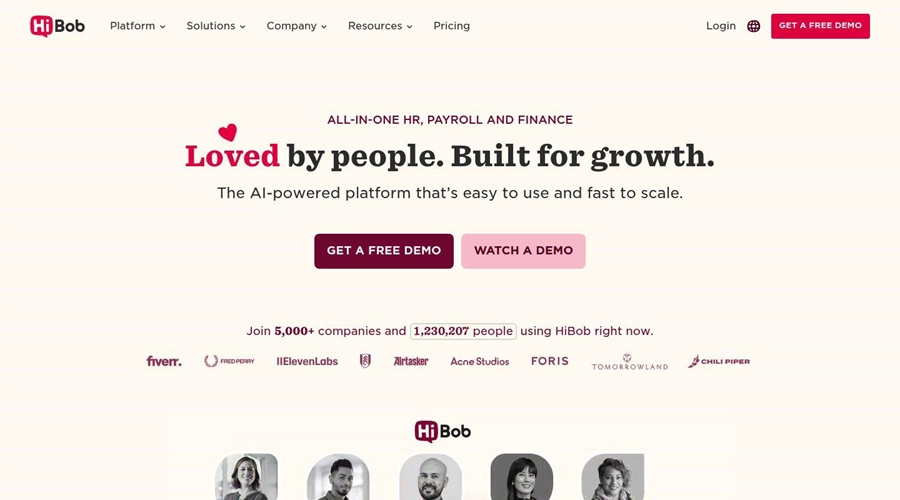
Bob, the HRIS from HiBob, leads this list because it treats ease of use as something that begins at implementation, not at the dashboard. Most organizations go live in weeks rather than months, and the speed comes from how setup runs. Guided configuration wizards let an HR admin assemble approval chains, onboarding checklists, and time-off policies by dragging steps into place, and a dedicated rollout team builds those workflows around how the company already operates. Teams reach real work fast because the vendor does the heavy configuration alongside them instead of leaving them to read documentation.
The second half of the advantage shows up after launch. Guided workflows lower the learning curve to the point where managers and employees seldom need training. Clear progress markers carry first-timers through multi-stage work like a review cycle or a joiner run, so people pick up the system while doing the job rather than sitting through a course beforehand. About 1,811 G2 reviewers back that experience with a 4.5 rating, with several singling out how quickly first-time users get comfortable.
Standout features:
- Guided setup wizards that let admins drag and drop approval chains, onboarding flows, and policies into place with no code
- A dedicated implementation team that configures workflows around existing processes, so most companies go live in weeks
- Step-by-step progress indicators that walk managers and employees through multi-stage tasks without training
Limitations:
- Bob doesn't publish pricing, so budgeting starts with a sales quote rather than a public rate
- The mobile app covers less than the web experience, which a few reviewers note for on-the-go tasks
Best for: Mid-sized and scaling organizations that want a guided rollout and a system their managers and employees can use with confidence within weeks.
Pricing: The site shows no figures. Buyers build a package on top of a mandatory Core layer, then bolt on suites like Talent, Payroll, or HR Planning when the need arises, with the final number set during a sales conversation.
2. Gusto: Best for first-time payroll administrators
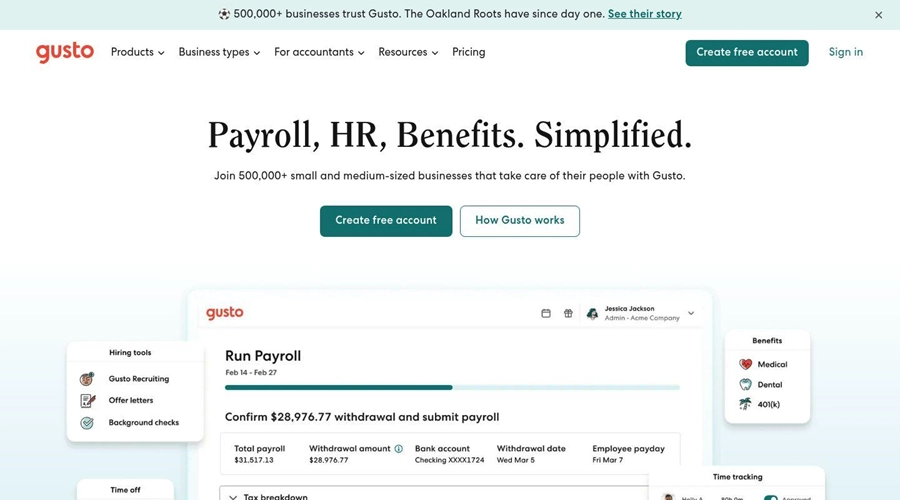
Gusto wins over small teams because setup asks almost nothing of the person doing it. The platform walks a new administrator through payroll, tax registration, and employee records with step-by-step prompts, and reviewers who have never run HR before say they felt comfortable within a day. Automated tax calculations handle the parts that tend to trip people up, and employees grab pay stubs and tax forms on their own.
The ease holds until a company grows past a small headcount. Reviewers say the tool fits shops below roughly the 100-person mark and thins out on batch edits and spreadsheet-driven imports as a roster expands. A number also call spinning up a second payroll entity awkward, and some note that support lags when a problem needs a live person.
Standout features:
- Step-by-step payroll setup that guides administrators with no prior experience
- Automated tax filing and calculations built into the run
- A clean self-service portal employees navigate without help
Limitations:
- Reviewers say the platform suits organizations under about 100 people and offers few bulk-update tools as teams grow
- Some report slow customer support and a clumsy process for adding a second payroll entity
Best for: Small teams and first-time payroll admins who want a system they can stand up themselves in a day.
Pricing: Public per-employee tiers that open with a flat monthly platform cost layered with a charge for each worker, which reviewers count as a budgeting plus.
3. BambooHR: Best for a near-zero training rollout
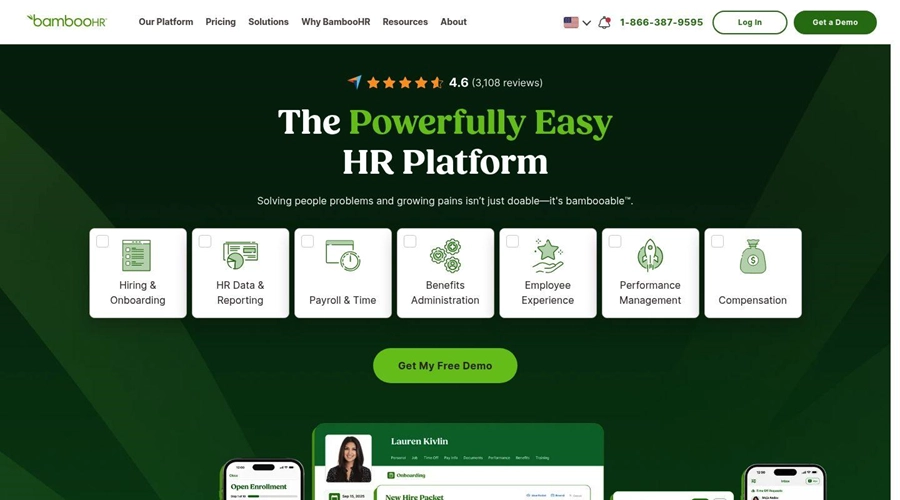
BambooHR earns its reputation on an interface employees navigate with almost no instruction. Its 4.4 rating spans over 5,000 G2 reviews, where people call out a tidy home screen plus a phone app that hands staff their own timesheets, a company directory, and leave requests without a desk in sight. One review summed it up by saying workers found their way around with barely any coaching, and that is the whole appeal: a launch that barely touches a manager's workload.
Trouble shows up once workflows turn intricate. Reviewers find the pared-back design starts boxing them in the moment a company wants granular analytics, and they call the reporting and customization stiff. A US-tuned payroll module sells on top at extra cost, and a handful of users report uneven help once the first onboarding phase wraps.
Standout features:
- An interface new users navigate without formal training
- Strong onboarding workflows and digital paperwork that speed new-hire setup
- A self-service mobile app for everyday employee tasks
Limitations:
- Reporting and customization feel rigid for complex or detailed data needs, per reviewers
- A US-focused payroll module costs extra on top of the base plan, and post-onboarding support earns uneven feedback
Best for: Small and mid-sized US teams that want core HR running fast with minimal training overhead.
Pricing: No public rates; you contact BambooHR for a tailored quote, a step a few reviewers call a headache when planning a budget.
4. Workday: Best for enterprises with a project team to spare
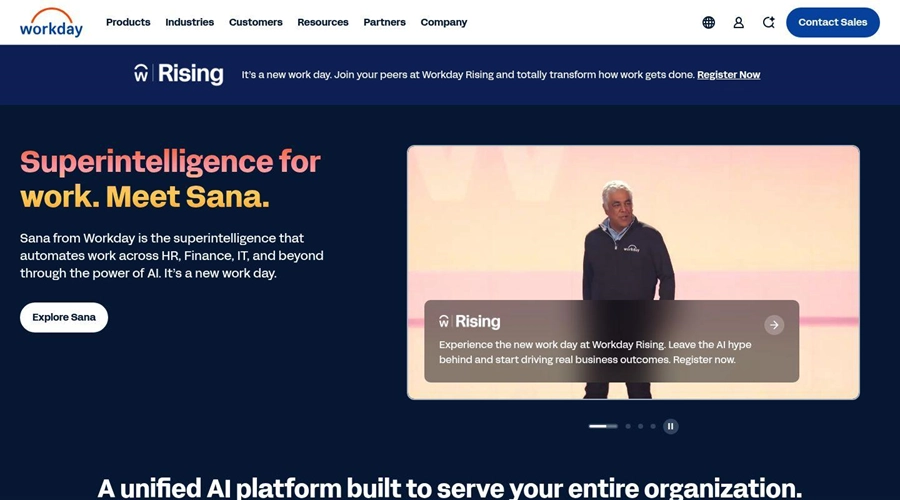
Workday belongs on an ease-of-use list with a caveat: once configured, large organizations get a polished, AI-assisted experience that handles enterprise-scale operations well. Employees and managers work through a consistent interface, and the depth covers the kind of global, multi-entity complexity smaller tools can't.
Getting there is the hard part. Workday implementations run long and lean on specialist partners or internal project teams, so the system seldom reaches first value in weeks. The configuration depth that serves a 10,000-person enterprise becomes overhead for anyone smaller, and the learning curve for administrators is real. Ease, here, is something an organization buys with a substantial rollout effort first.
Standout features:
- A consistent, AI-assisted experience built for enterprise scale
- Deep coverage for global, multi-entity operations
- Mature reporting and analytics for large workforces
Limitations:
- Implementations run months and tend to require specialist partners or a dedicated internal team
- Configuration depth and administrator learning curve make it heavy for smaller organizations
Best for: Large enterprises with the project resources to invest in a long, structured implementation.
Pricing: Not published; Workday quotes enterprise contracts through sales, and total cost reflects implementation services.
5. Namely: Best for mid-market teams that want a guided hand
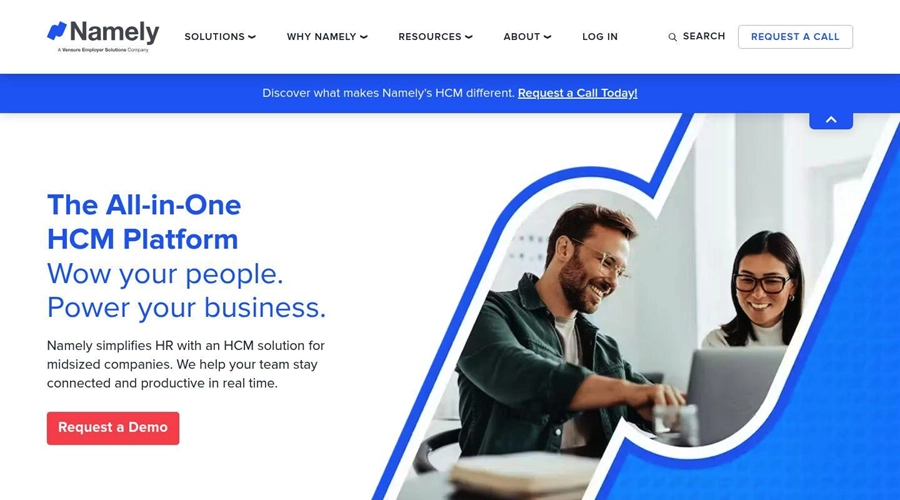
Namely targets mid-sized companies with a familiar, social-feed-style interface that employees take to fast, and a feature set spanning core HR, benefits, and payroll. For a team that wants one mid-market system rather than a stack of point tools, the breadth is appealing and the day-to-day interface reads as approachable.
The ease leans hard on the service relationship. Reviewers describe Namely as service-dependent, meaning the experience tracks the quality and responsiveness of the support and account team assigned to them. When that relationship works, rollout and ongoing use run smooth; when it lags, configuration and issue resolution slow down. Buyers should weigh support quality with the same scrutiny they give the interface.
Standout features:
- A social-feed interface employees adopt fast
- Combined core HR, benefits, and payroll for mid-sized teams
- Guided implementation support for companies without deep HR ops resources
Limitations:
- The experience is service-dependent, so ease of use rises and falls with the assigned support team
- Configuration and resolution can slow when that relationship lags
Best for: Mid-market companies that want a guided rollout and value a responsive account team.
Pricing: Not published; Namely quotes through sales based on headcount and modules.
6. Rippling: Best for HR and IT in one automation engine
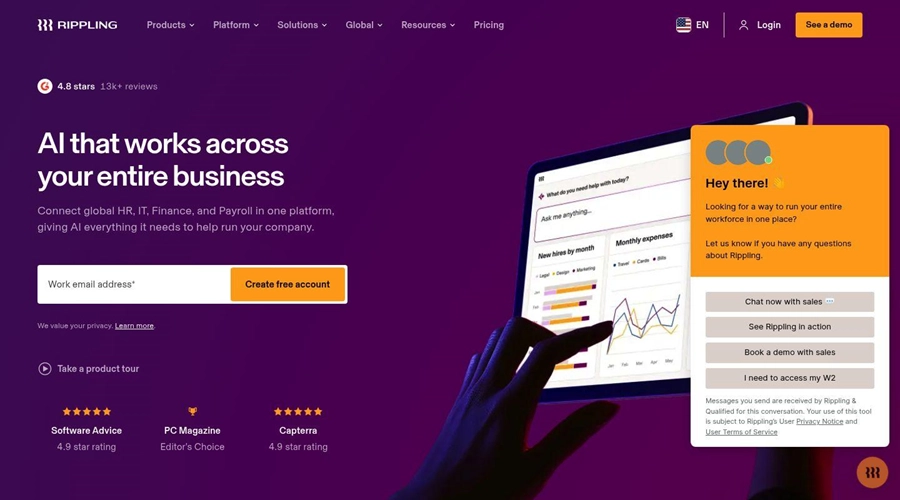
Rippling has built a loyal base by fusing people, technology, and money operations under one rules-driven backbone. A single hire entry can fan out to wages, software logins, and laptop setup in one motion, and that linked sequence collects high marks across its 12,000-plus G2 reviews alongside a 4.8 rating. Companies hunting for people and tech functions tied to a shared profile get plenty of reach.
All that reach steepens the ascent. Reviewers point to a demanding learning curve and warn that the sheer count of options and toggles swamps newcomers at setup; one called the rollout a slow, dragged-out affair. Built on technology-department foundations, the people side can read as an afterthought, and that front-loaded setup work cuts against the quick, hand-held start most HR teams equate with ease.
Standout features:
- One rules-driven backbone tying people, technology, and finance steps together
- A lone hire entry that sets up wages, software logins, and a laptop at once
- A capable layout and search once the structure clicks for users
Limitations:
- Reviewers report a steep learning curve and an overwhelming volume of features at setup
- The IT-first design can leave the HR experience feeling secondary, and implementation can run long
Best for: Fast-growing companies that want HR and IT unified and have the patience for a feature-heavy rollout.
Pricing: Modular, with a published starting per-employee rate; reviewers note the real cost depends on which modules you add.
7. ADP: Best for established payroll operations
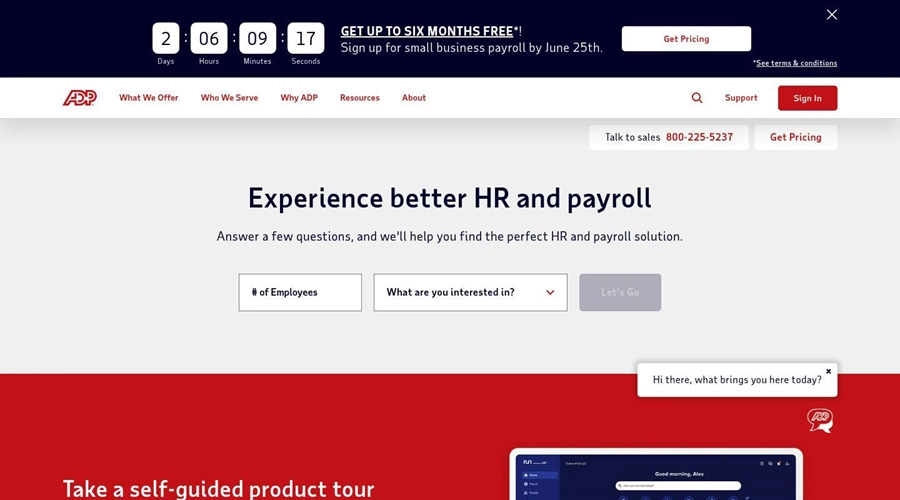
ADP Workforce Now anchors HR around a payroll engine many organizations already trust, and reviewers value having payroll, benefits, and time tracking under one roof. The brand familiarity also means new admins often arrive with transferable knowledge, which shortens part of the learning curve.
The interface is where ease slips. Reviewers keep coming back to a look they call old-fashioned and tough to parse, a reporting screen that eats time to work through, and a maze of menus first-timers must memorize. A few also flag pushy sales follow-ups and a help desk that passes problems from one module to the next. The platform pays off for seasoned hands more than it rolls out a mat for beginners.
Standout features:
- A trusted payroll engine with benefits and time tracking in one place
- Transferable knowledge thanks to wide adoption
- Mobile and desktop access that work together for everyday tasks
Limitations:
- Reviewers describe the interface as dated and not intuitive, with a hard-to-navigate report menu
- Persistent upselling and support that deflects responsibility across modules draw repeated complaints
Best for: Organizations with established payroll operations that prioritize a known engine over a modern interface.
Pricing: Not published; ADP quotes by module and headcount, and reviewers flag frequent upsell pressure.
8. Personio: Best for European SMEs with steady processes
Personio serves small and mid-sized European businesses with a clean interface that reviewers find fast to learn for everyday tasks like leave requests, attendance, and document access. For teams operating in its core European markets, with the DATEV payroll connection in Germany as a draw, setup and daily use feel straightforward.
Two limits shape the ease. Personio is weakest outside Europe, where compliance coverage and localized features thin out, so non-European teams should confirm fit. Reviewers also describe the platform as rigid: workflows and reporting feel hard to tailor to specific needs, with several noting reports lack the depth or customization they expect. For a company with steady, standard processes the structure is fine; for one that wants to bend the system to its own way of working, it pushes back.
Standout features:
- A clean interface European SME teams learn fast
- Strong fit for core European markets, including DATEV payroll in Germany
- Approval workflows and notifications that reduce HR back-and-forth
Limitations:
- Coverage and localization weaken outside Europe, per reviewers
- Workflows and reporting feel rigid and hard to customize for specific needs
Best for: European small and mid-sized businesses with standard processes that fit the platform's structure.
Pricing: Not published; Personio quotes through sales, and reviewers note paid add-ons and recent price increases.
9. Breathe HR: Best for very small UK teams
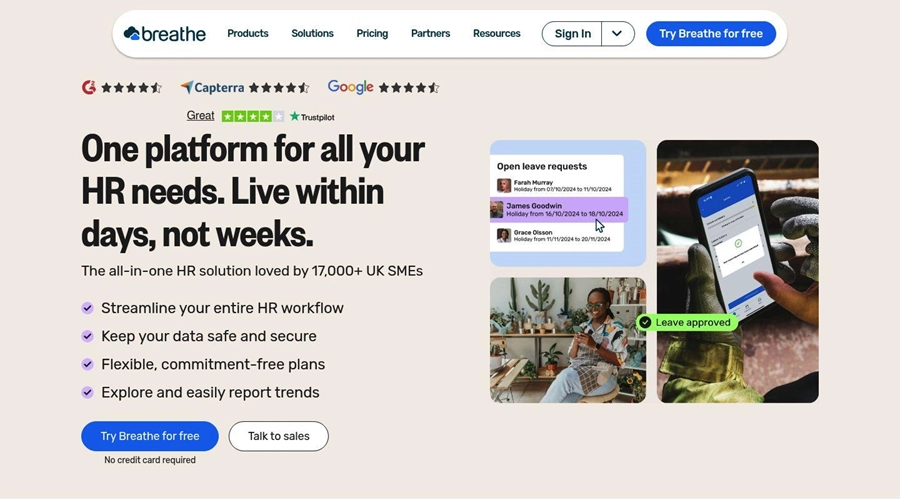
Breathe HR rounds out the list as a low-cost option built for small UK businesses, often under 250 people. Setup is fast and the interface stays simple, covering core HR basics like holiday tracking, records, and documents without overwhelming a team that has no dedicated HR ops function. For a small company that wants something running fast at a low price, the simplicity is the selling point.
That same simplicity caps it. Breathe HR offers limited depth beyond SMB essentials, so growing teams outpace its feature set, and it lacks the advanced workflows, planning, and analytics larger organizations need. Ease of use is real here for one reason: the scope stays narrow.
Standout features:
- Fast setup and a simple interface for small teams
- Affordable pricing aimed at SMBs
- Core HR essentials covering holiday, records, and documents
Limitations:
- Limited depth beyond SMB basics, so growing teams outgrow it
- Lacks the advanced workflows, planning, and analytics larger organizations require
Best for: Very small UK businesses, often under 250 people, that want low-cost, no-fuss core HR.
Pricing: Published tiered monthly plans by headcount band, among the lower-cost options on this list.
10. UKG: Best for connecting HR, pay, and workforce management
UKG takes a broader view of HRIS ease by connecting HR, payroll, and workforce management in one workforce operating platform. Its people-first AI and workforce insights are designed to turn real-time information into practical decisions, from supporting payroll teams to helping operations leaders align staffing with skills, demand, and employee well-being. The platform is built to serve everyone from the front office to the frontline rather than treating hourly workers as an afterthought.
Standout features:
Connected HR, pay, time and attendance, scheduling, analytics, and compliance capabilities
AI-guided analytics and workforce insights that help leaders act on employee and staffing data
Tools designed for both HR leaders and frontline workers, including responsive HR support
Best for: Organizations that want one workforce platform spanning HR, payroll, operations, and frontline teams.
Pricing: Not shown on the reviewed UKG pages; buyers can use the site's Get started option for next steps.
Which easiest HRIS system to use delivers value soonest in 2026
Ease of use breaks into two phases: the speed of getting live, and the gentleness of the learning curve once you are. Most of the platforms here win one phase and lose the other. Gusto and Breathe HR stand up fast but cap out as you grow. Workday and Rippling reward the climb with depth, though they ask for months and a project team first. ADP and Personio trade modern ease for a trusted engine or a tidy European fit.
Bob earns the top spot because it carries both phases at once. Guided setup wizards and a dedicated rollout team get most companies live in weeks, and guided workflows then keep managers and employees productive without a training queue. For a mid-sized or scaling organization that measures ease from the contract date rather than the demo, that combination is the one that holds up after launch.
Frequently asked questions
How long does it take to implement an HRIS?
Implementation ranges from a single day for lightweight tools to several months for enterprise platforms that need specialist partners. The variable is how much configuration the vendor handles for you. Bob, for example, pairs guided setup wizards with a dedicated rollout team and gets most companies live in weeks by building workflows around existing processes, while enterprise systems like Workday tend to require a structured, multi-month project.
How steep is the learning curve for HRIS software?
It depends on whether the system teaches you as you work or expects training first. Feature-dense platforms such as Rippling draw reviewer complaints about an overwhelming setup, while tools designed around guided workflows flatten the curve. Bob uses step-by-step progress indicators so managers and employees complete real tasks without a training session, which is what keeps adoption high after rollout.
What are the five types of HRIS?
The common framework groups systems into operational (core records and self-service), tactical (recruiting and talent), strategic (workforce and succession planning), comprehensive (a unified suite covering all of the above), and limited-function (a single area such as time tracking). Many modern platforms blend several types into one connected system rather than sitting in a single clean category.
How important is support quality when choosing an HRIS?
Support quality often decides whether a platform feels easy or frustrating, above all for teams without dedicated HR ops staff. Several vendors on this list, including Namely, are service-dependent, meaning the day-to-day experience tracks the assigned account team. Buyers should test responsiveness during the trial rather than assume the marketed support level holds after implementation.
What are the pros and cons of using an HRIS?
The main advantages are a single source of employee data, automated routine tasks, self-service that cuts HR back-and-forth, and faster reporting. The trade-offs are upfront implementation effort, subscription cost, and a learning period for administrators. Platforms with guided setup and workflows, such as Bob, reduce the implementation and learning costs that tend to offset the benefits in the first few months.
Can a non-technical HR team run an HRIS without IT help?
Yes, when the system is built for self-service configuration. No-code setup wizards let an HR admin assemble approval chains and policies without engineering support, and role-based self-service hands routine updates to managers and employees. The platforms that lean on technical configuration, such as enterprise suites, are the ones where IT involvement becomes necessary.











Comments