>>
Technology>>
Cyber security>>
Securing your company data on ...Securing your company data on mobile devices: a complete guide to MDM in 2026
The Silicon Review
21 July, 2026
Author:
Guest
In today’s world of hybrid work and mobile-first operations, the traditional office perimeter has vanished. With nearly half of workers (44%) using their personal phone for work purposes, managing business data on mobile devices is a business necessity.
While mobility boosts productivity, it exposes companies to a new landscape of threats. Ignoring these risks can be costly: the average cost of a cyberattack was $4.88 million in 2024. (According to the report ‘Cost of a Data Breach’ published by IBM in 2025)
Here is how you can use Mobile Device Management (MDM) to shield your company data from mobile threats.
1. The Mobile Threat Landscape: Common Mistakes to Avoid
Before securing your fleet, it's crucial to understand how data is compromised. Many organizations make critical errors when deploying mobile devices:
- Weak physical security: A surprising number of employees still use easily guessable passwords like "123456" or fail to lock their screens. If a device is lost or stolen, weak passwords provide an open door to sensitive emails and contacts.
- Unsecured public Wi-Fi: Connecting to free Wi-Fi networks in airports or cafes is convenient but risky. According to a recent study, 25% of travelers experienced hacking attempts via public Wi-Fi, making them prime targets for data interception.
- Ignoring OS updates: Delaying operating system updates leaves known vulnerabilities unpatched, creating easy entry points for mobile malware.
- Unregulated apps: Without a Mobile Application Management (MAM) policy, employees might download malicious apps that run in the background and silently exfiltrate company data.
2. The Shield: What is Mobile Device Management (MDM)?
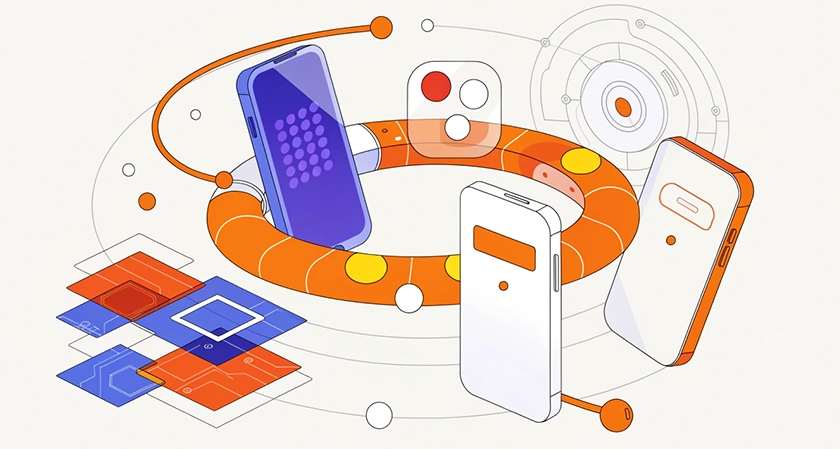
The most effective way to counter these threats is by deploying a Mobile Device Management solution. MDM is a centralized, cloud-based platform that allows IT administrators to configure, secure, and monitor an entire mobile fleet remotely.
An MDM acts as your control center, providing several layers of defense:
- Enforced security policies: IT can require complex passwords on smartphones or tablets, automatically push the latest OS updates, and restrict connections to unsecured public Wi-Fi networks.
- Crisis management (Remote Wipe): If a device goes missing, administrators can instantly lock, locate, or remotely wipe the mobile device, ensuring corporate data doesn't fall into the wrong hands.
- Application control: IT administrators can whitelist approved business applications and silently uninstall risky or unnecessary apps without user intervention.
3. Mastering Mobile Device Management
If your company's mobile fleet consists entirely of Android devices, choosing an MDM dedicated exclusively to Android is a strategic advantage. A prime example of this tailored, Android-dedicated approach is TinyMDM, an official Android EMM Silver Partner and Samsung Knox Validated Partner. Because businesses have different operational needs, Android MDMs supports various deployment modes designed to perfectly balance corporate security with employee privacy:
- BYOD (Bring Your Own Device): When employees use their personal phones, the MDM creates an encrypted "Work Profile." Business apps, files, and contacts are kept completely separate from personal data. If an employee leaves, IT can wipe the corporate data without touching their personal photos or messages.
- WPCO (Work Profile on Company Owned Device): Devices managed and owned by the company, but where personal use is safely authorized and separated.
- COBO (Corporate Owned, Business Only): Devices fully managed by the company and restricted strictly to professional use.
- COSU (Corporate Owned, Single Use): Often called Kiosk Mode, this locks the device to a single application or a restricted set of tools, which is ideal for delivery drivers, retail scanners, or digital signage.
Conclusion
Securing mobile devices requires more than just trusting employees to make good security decisions, it requires a systemic, enforced approach. By implementing a strong MDM policy, with the appropriate management modes, and relying on specialized tools like TinyMDM, you can transform your mobile fleet from a security vulnerability into a secure, productive asset.


















Comments